
If you're reading this, you’ve likely scrolled through endless videos of "easy money" printing side hustles. You’ve seen the satisfying peel of a DTF transfer and the vibrant flash of a UV LED lamp. But as we move into the middle of 2026, the gap between the hobbyists who "try" and the professionals who "thrive" is widening. It’s no longer about just having a machine; it’s about mastering the alchemy of light, ink, and maintenance.
I’ve spent years on the factory floor here at Rainbow Industrial, and I’ve seen thousands of entrepreneurs start their journey. Today, I’m putting aside the marketing fluff to give you a raw, expert-level breakdown of how to actually win in the small-batch printing game using our A3 series machines. We’re going deep into varnish textures, the brutal reality of XP600 maintenance, and the exact margins you should be hitting.

Figure 1: Real embossed varnish effect on a custom phone case from our lab.
The Varnish Secret: Turning a $1 Case into a $35 Luxury Item
Most beginners focus on color. "Does it look like the picture on my screen?" they ask. While color accuracy is foundational, it isn't what gets customers to pay a premium. The secret is texture. In the UV printing world, this means mastering the 'V' in CMYK+W+V.
Varnish isn't just a clear coat; it's a structural element. By stacking layers of white ink for height and then capping it with a high-gloss varnish, you create a 3D tactile experience. When a customer picks up a phone case and feels the "scales" on a dragon or the "grain" on a wooden texture, the perceived value triples instantly. You aren't selling a print anymore; you're selling a handcrafted artifact.
To achieve the result shown in Figure 1, you need a machine with a stable ink pressure system. If your varnish isn't laying down "wet" enough, it will look dull or grainy. We’ve tuned our Nano series to ensure the varnish flow is consistent enough to create that "mirrored" finish without air bubbles. If you’re seeing "orange peel" in your varnish, you likely have your UV lamp power set too high for the first pass or your carriage speed is out of sync with your ink viscosity.
The Maintenance Manifesto: Respect the XP600
Let’s talk about the heart of your machine: the Epson XP600. It’s the most popular head in the world for a reason—it strikes a perfect balance between price and performance. But it is a sensitive beast. I’ve seen heads last for two years, and I’ve seen them ruined in two days. The difference is 10 minutes of discipline every morning.

Figure 2: The XP600. Treat it like a high-performance engine, not a desktop printer.
White ink is your best friend and your worst enemy. It contains titanium dioxide, which is essentially liquid stone. If it sits still, it settles. If it settles in your dampers or your print head nozzles, you’re looking at a $500 replacement bill. Our Nano and RB series come with automatic circulation, but that isn't a license to be lazy. You should still perform a physical "shake" of the ink tanks every morning and run a nozzle check before you print a single customer order. If a single nozzle is missing, stop. Don't try to "print through it." Clean the capping station, check the wiper, and resolve the blockage before it becomes a permanent clog.

Figure 3: Our dual-head carriage setup. One for White, one for Color/Varnish.
The Math: Real Margins in A3 DTF and UV
Why A3? Why not go straight to a 60cm or 1.2m industrial machine? Because the ROI (Return on Investment) on an A3 machine is the fastest in the industry. Let's look at the numbers for a typical week with a Peacock33 DTF printer.
- Ink/Film/Powder Cost per A3 Sheet: ~$0.85 - $1.10
- T-shirt Blank (Quality Cotton): $4.50
- Labor/Electricity: $1.50
- Total Cost: ~$7.10
- Retail Sale Price: $25.00 - $35.00
- Net Profit per Shirt: $17.90 - $27.90
If you print just 10 shirts a day (which takes less than 30 minutes on our machines), you're looking at nearly $200 in daily profit. In a UV setup, printing on "impulse" items like lighters or power banks, the margins are even higher because the substrate cost is often under $2, while the custom-printed version sells for $20+.
Why "Factory-Direct" is Your Only Insurance Policy
There are hundreds of resellers on eBay and Amazon selling "unbranded" A3 printers. They look like our machines, but they aren't. When you buy from a reseller, you're buying a machine that was built in a garage with the cheapest possible components to maximize the middleman's margin. When that machine breaks—and it will—good luck getting a replacement part or a technician who knows the motherboard's firmware.
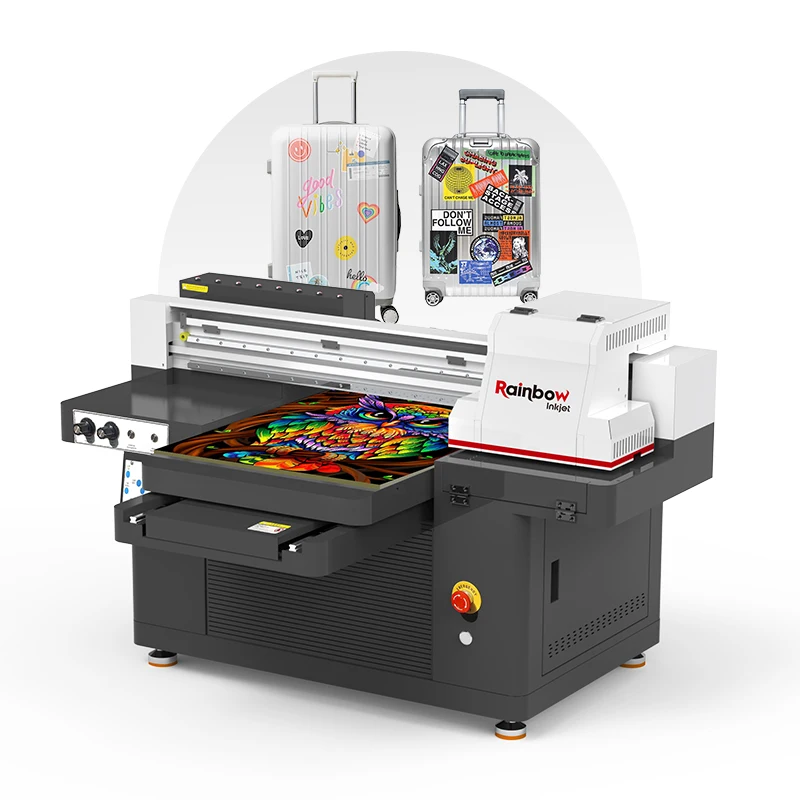
Figure 4: A look inside our assembly line. Every unit undergoes a 72-hour stress test.
When you work with Rainbow Industrial, you’re connected to the source. Every Nano 7 or Peacock33 is born in a facility that lives and breathes UV and DTF technology. We don't just ship boxes; we ship engineering. If you have an issue at 10:00 PM on a Tuesday, you have access to a support library built by the very people who designed the circuit boards. Figure 5 shows how we package our units for global export—we use reinforced wooden crates because we know that the last thing you want is a "damaged on arrival" notice after waiting for your business to launch.
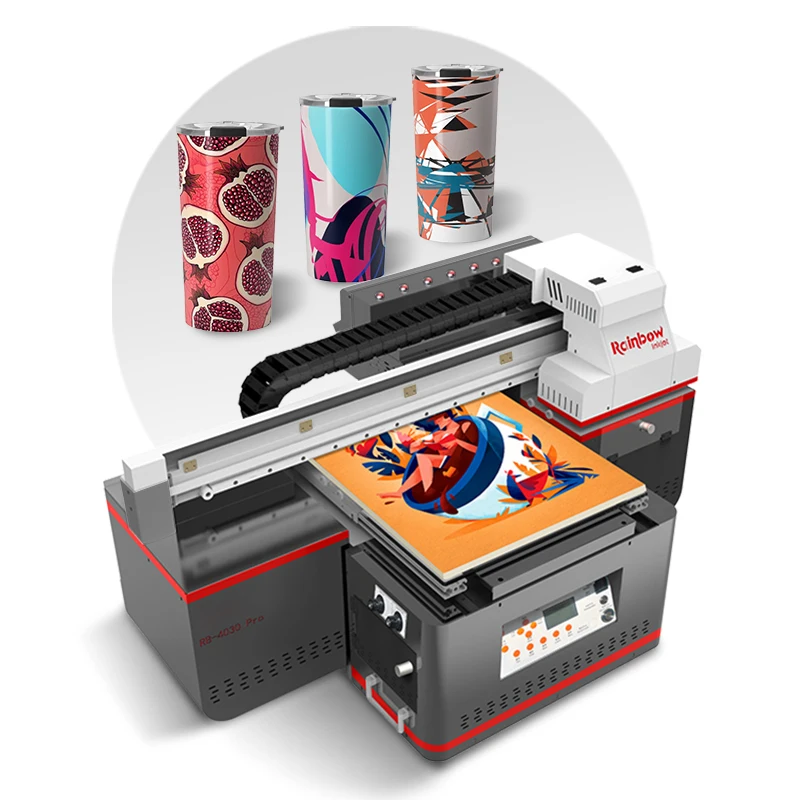
Figure 5: Professional-grade packaging. Because your business deserves a safe arrival.
Final Thoughts for 2026
The printing market isn't saturated; it’s just getting started for those who take it seriously. Whether you choose the Nano 7 PRO for its unmatched varnish detail or the Peacock33 for its high-velocity DTF output, remember: the machine is 50% of the equation. Your skill, your maintenance routine, and your willingness to experiment with textures are the other 50%.
Success in this industry isn't about the biggest machine; it's about the biggest vision. Stop over-thinking and start printing.
Author: Rainbow Industrial Expert Team
Originally published on rainbowuv.myshopify.com
Technical Appendix: The UV & DTF Optimization Matrix
For those who want to go deeper, here is our 2026 calibration checklist for the Nano and Peacock series.
1. UV Curing Optimization
UV ink cure quality is dictated by the wavelength and power of your LED lamp. If your prints feel "sticky" after coming off the bed, you aren't getting a full cure. This is often caused by trying to print too fast at low power settings. For matte finishes, we recommend a "one-pass" cure where the lamp follows the carriage closely. For high-gloss varnish, a "delayed cure" (where the lamp is offset or runs on a separate pass) allows the clear ink to level out before it solidifies, resulting in that glass-like finish.
2. DTF Powder Management
The "soft feel" of DTF isn't just about the ink; it's about the powder. Using a TPU-based medium powder is the industry standard for 100% cotton. However, if you're printing on synthetics or blends, you may need to switch to a fine powder to prevent "bleeding" or migration of the fabric dye into the print. Our Peacock33's heating tunnel is designed to melt powder at a consistent 110-120C. If your temperature is too low, the print will peel after the first wash. If it's too high, you'll "scorch" the film, making it brittle.
3. Ink Viscosity & Climate Control
People often forget that ink is a chemical compound affected by its environment. Ideally, your studio should be between 20C and 28C with 40-60% humidity. If it's too dry, you'll suffer from static electricity, which causes ink "mist" to fly everywhere except your substrate. If it's too humid, your ink may not bond correctly. Investing in a $50 humidifier/dehumidifier is the best insurance policy for your print quality.
4. The "Nozzle Check" Secret
Don't just look at whether the lines are there; look at their straightness. If the lines are "deflected" or crooked, it indicates debris on the nozzle plate. Using a lint-free swab with specialized cleaning solution (provided in our maintenance kits) to gently wipe the edges of the print head—never the nozzle face directly—can often resolve these issues before they lead to catastrophic head failure.
