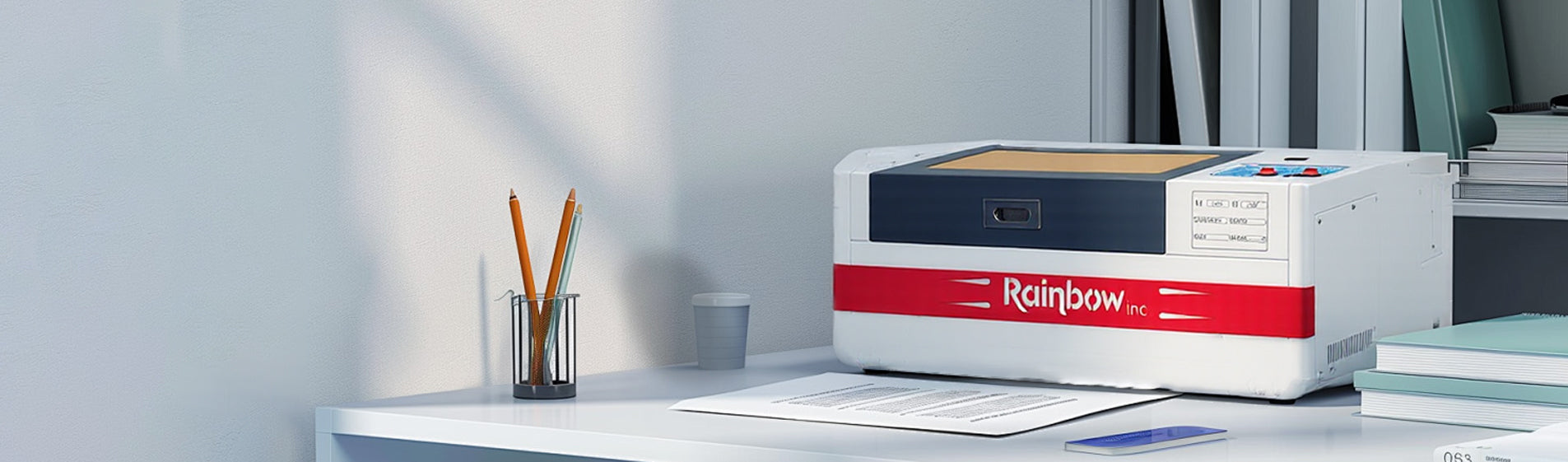
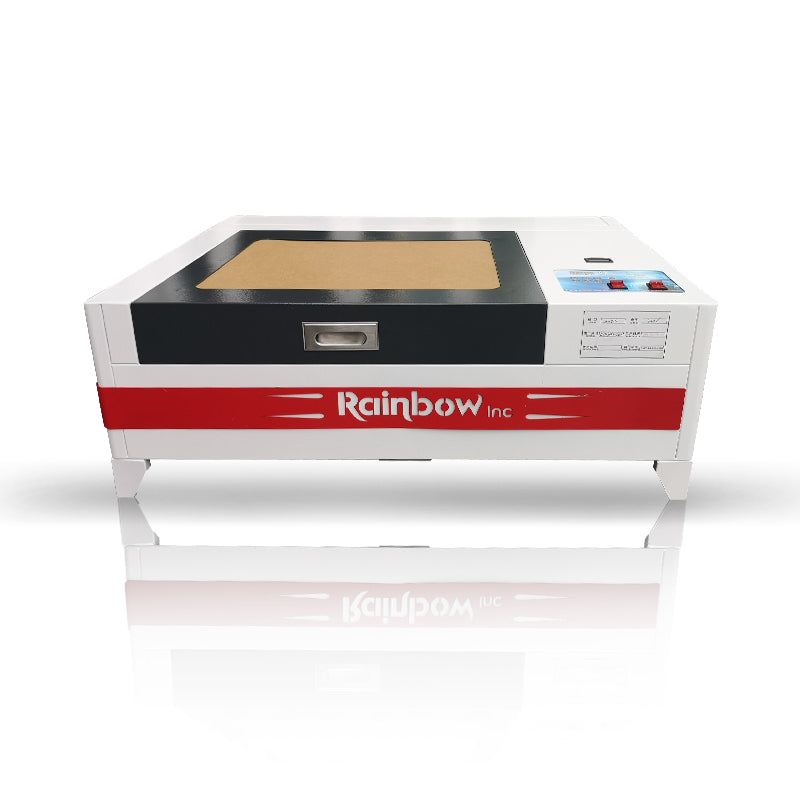
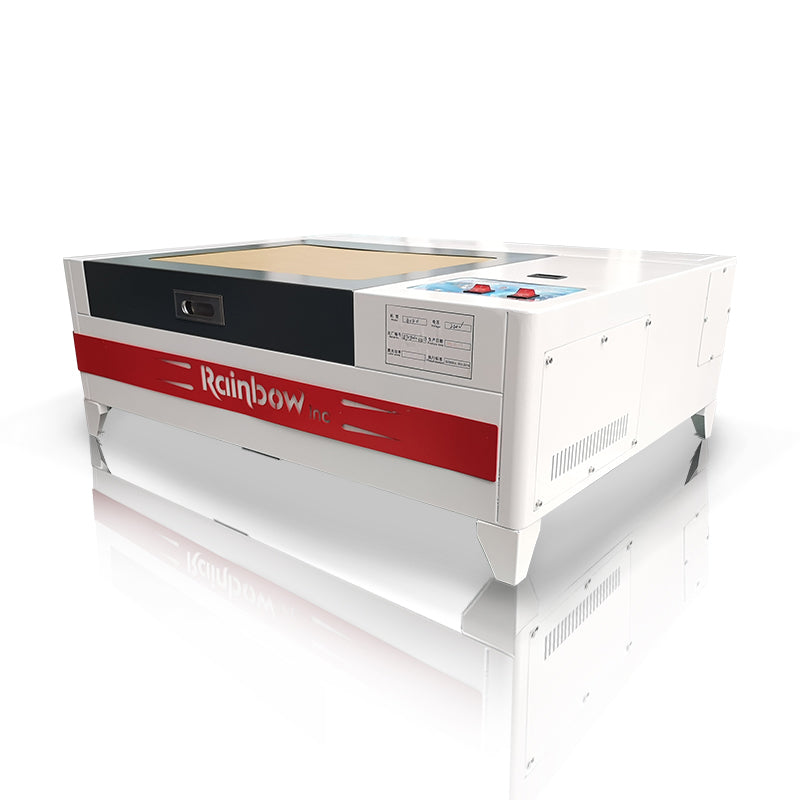
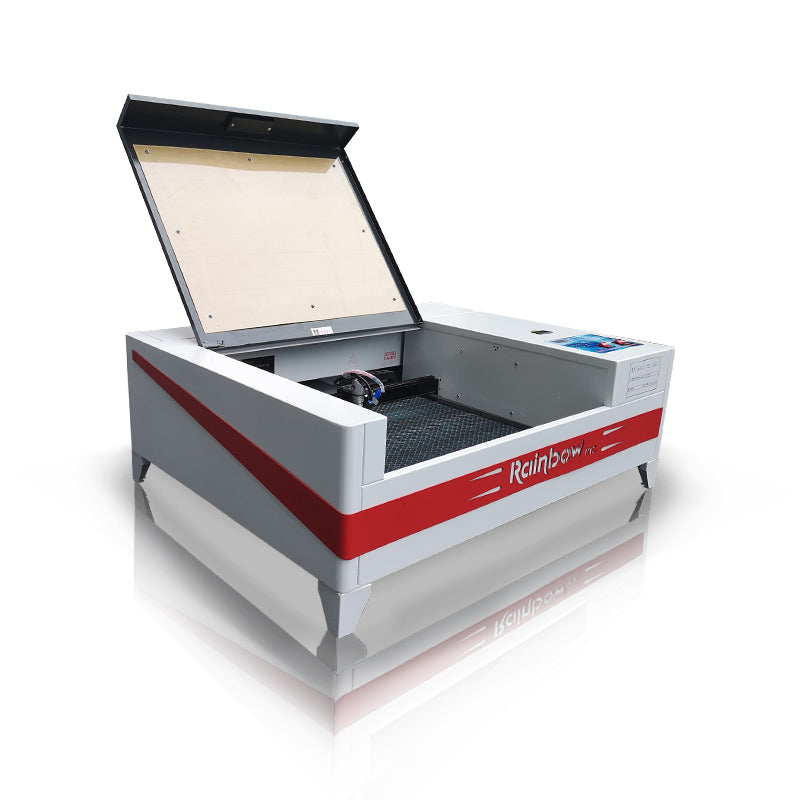
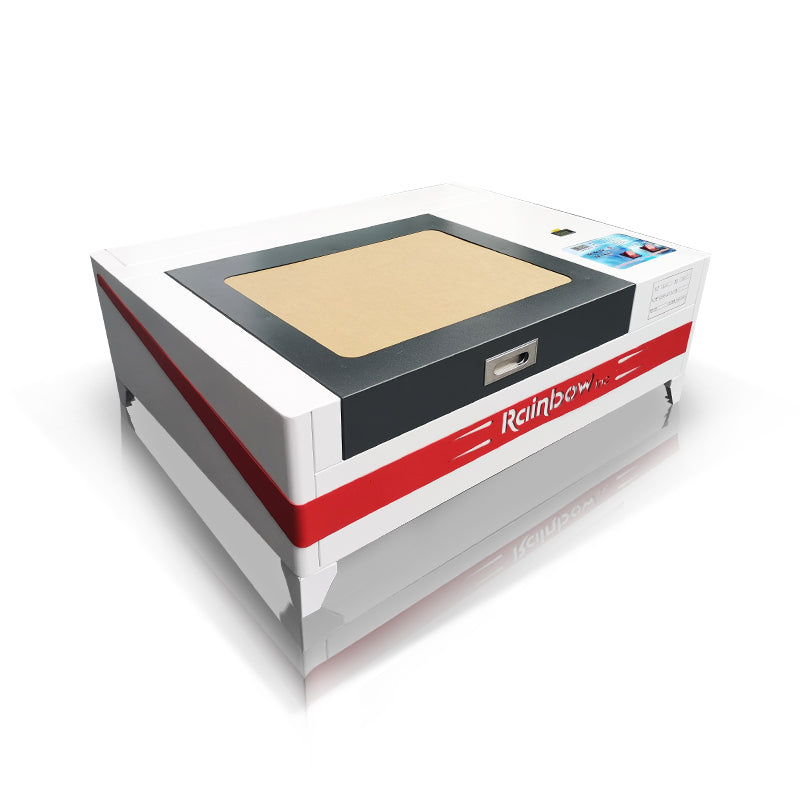
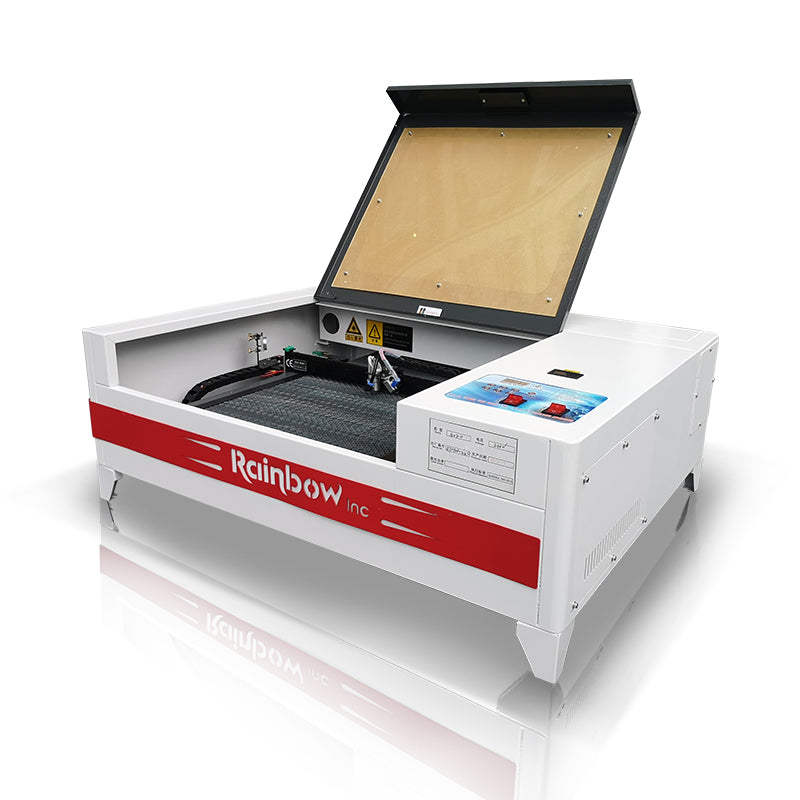
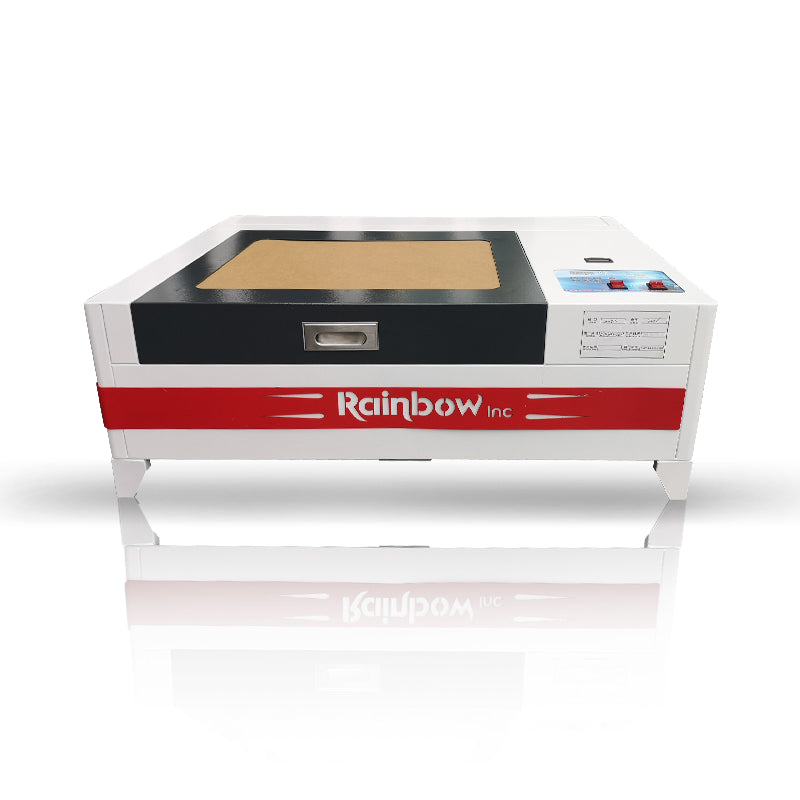
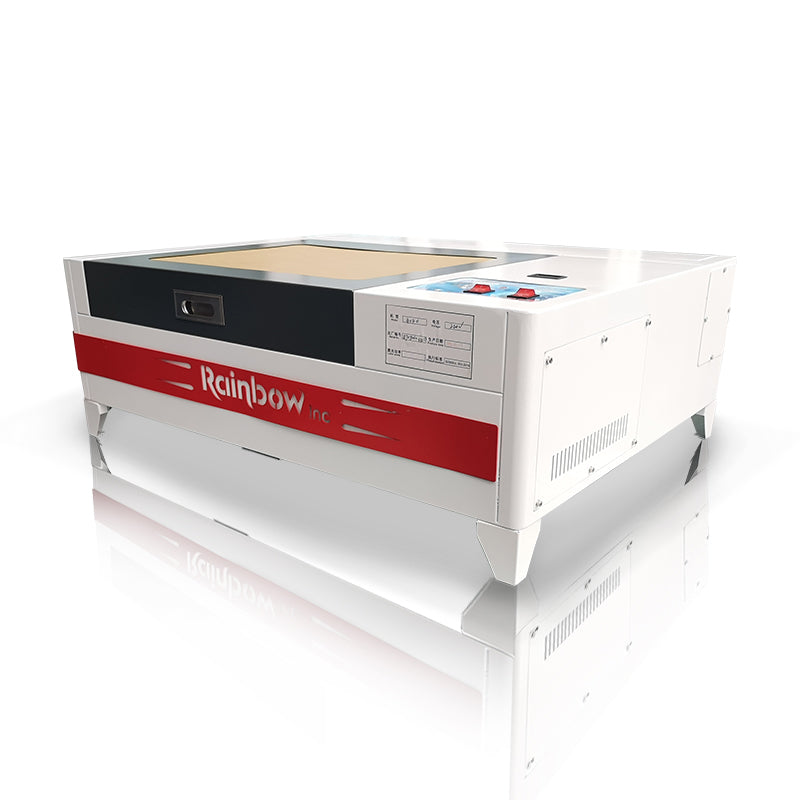
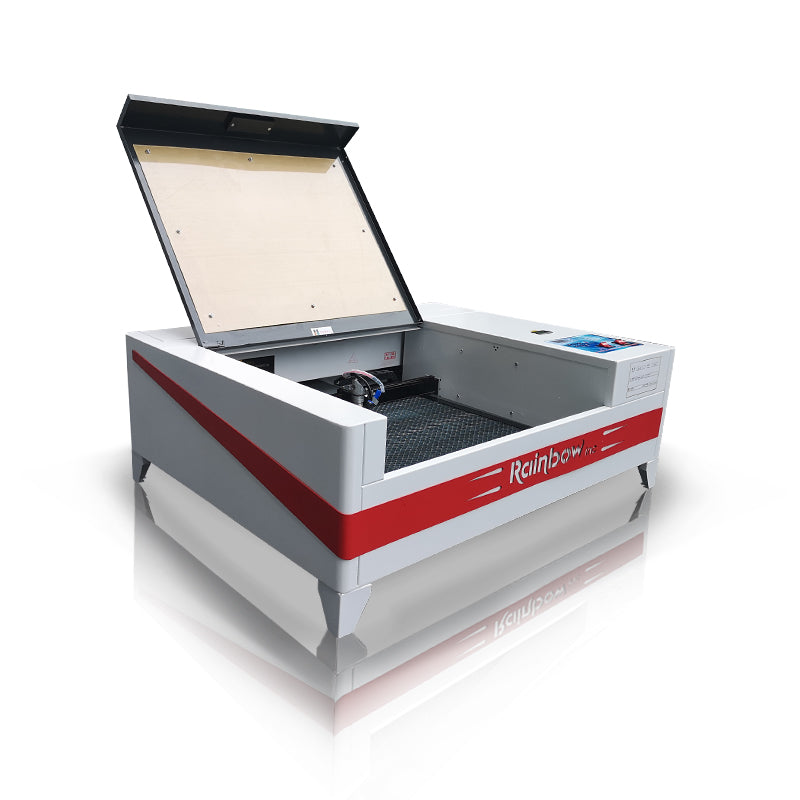
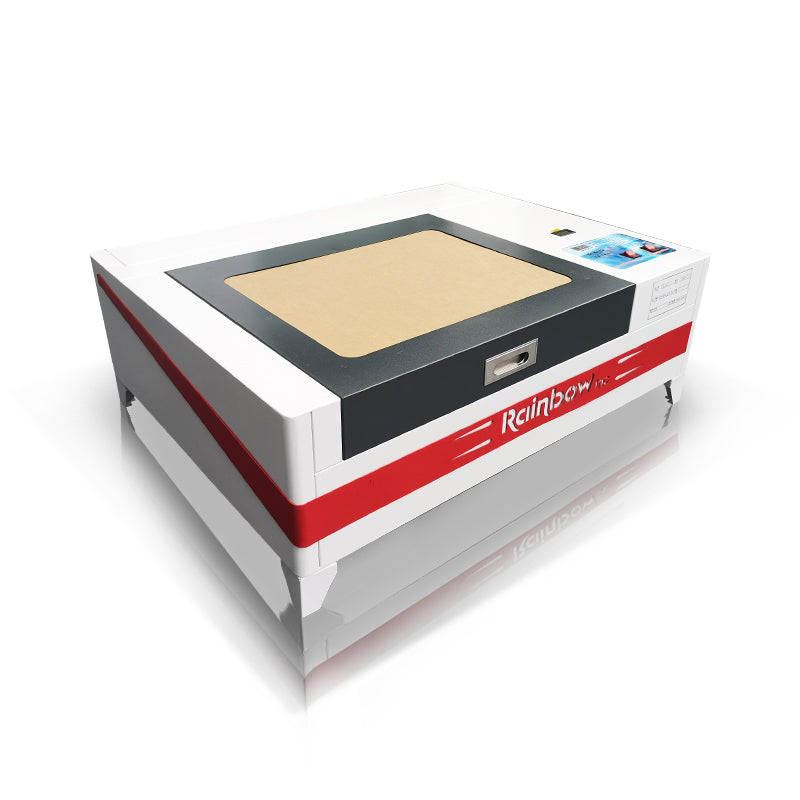
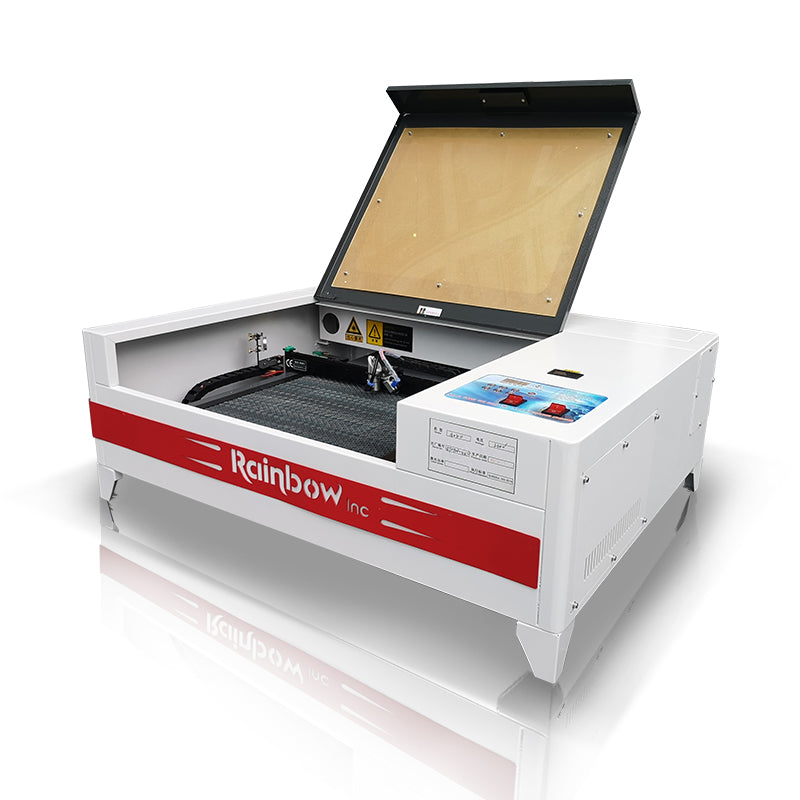
RBL4040H Laser Engraving Machine

RBL4040H Laser Engraving Machine

Regular price $1,899.00 USD
Regular price Sale price $1,899.00 USD
Sale Sold out
Shipping calculated at checkout.
  • User Frindly Software
  • Integrated Control Panel
  • Fine carving

Rainbowdgt

View full details

RBL4040H Laser Engraving Machine Specifications

Laser TubeReci
ConfigurationAluminum/Steel Guideway
Accuracy士0.0001mm
Work Size40*40cm
Speed500mm/s
Applicable SystemWin7/8/10
SoftwareM2/Ruida
Net Weight/Gross Weight29KG
4040 co2 laser (3).jpg__PID:5ccff662-995a-4a12-b9d2-8aeddea6b5d6
002.png__PID:8e34b02d-6aa6-472e-ba0e-10f28520b3d9

CapturePro X200 Technical Specifications

High Precision and Stability

The machine is equipped with a linear guide rail and a high-quality stepper motor on the X-axis, ensuring highly precise and stable movement during engraving/cutting. Positioning accuracy reaches ±0.0001 mm.

Flexible Adaptability to Various Materials

With a laser power of 50–60 W, it can engrave and cut flammable materials (such as wood, acrylic, plexiglass, and films).
The adjustable table height supports thicker materials; the faveolate platform design provides stable fixation for small workpieces.

Ease of Use and User-Friendly Design

Utilizing the Ruida control system, it features a simple control panel and can operate offline (loading design files via USB), eliminating the need for a continuous computer connection.
Supports auto-focus and an alternative blade platform, improving operational efficiency and compatibility.

Excellent performance and easy to operate

Ideal for both experienced professionals and beginners.

4040主图4.png__PID:fbefad87-5a87-4e68-af1c-a2a4b8a7363a
4040内页.png__PID:b83e86d9-4f8a-45f0-b58c-ec6a1ed3c68a

Use Cases / Application Examples

1d4a6ba0-34c0-420b-afa4-473c5f588383.__CR0,0,1464,600_PT0_SX1464_V1___.jpg__PID:fe68ef1c-a2a4-48a7-b63a-30125bbcec29
8ec8e9b0-0a66-4cce-9bf2-063519889d19.__CR0,0,1464,600_PT0_SX1464_V1___.jpg__PID:685cf13d-1daa-443d-8ab8-b5c763513e8a
34b524ca-d472-4ef7-9610-7e71aaad0750.__CR0,0,1464,600_PT0_SX1464_V1___.jpg__PID:743d4ab8-b5c7-4351-be8a-1eb1742cadc7
537485a6-41d5-424d-9db9-bedf95426d7c.__CR0,0,1464,600_PT0_SX1464_V1___.jpg__PID:adc749b0-0b2c-4e8b-8eb0-dc5879958853

What Our Customers Say

IMG_20200623_140645.jpg__PID:cb95a7f0-3b10-4806-82f8-a0f10034056a

Easy to use worth the money

Joyce Sabotkav

This laser engraver is awesome so functional. I could do 1 million things with it. The size is perfect. The laser is accurate. The durability is perfect. Definitely worth the money I would buy again.

Weixin Image_20240829152946.jpg__PID:ac511f51-285b-4397-9294-818e5cf1be5d

Awsome laser engraver

rick

Very good laser and fairly easy to learn how to use .I have another laser by a different company and it's much harder to use .I really like the pin point settings my other machine has a camera nut the RBL4040 is much more accurate

71VmcDcjxWL.jpg__PID:0db3164b-196c-45bf-978f-050dad7dcdac

Works great and easy to setupRio Hunter

Vanessa S Anda

This is amazing. I bought this last year in august and it has been amazing. I have made so many cool projects with this. The rotary bundle is easy to set up but you will need to read the directions. The RBL4040H laser works well for creating cool laser products. 10/10

Laser Engraving Machine FAQs

Get Answers to commonly Asked Questions about RBL4040H

1. What materials can the RBL4040H Laser Engraving Machine process?

The laser printer is suitable for a variety of non-metallic materials, including wood, acrylic, plexiglass, leather, rubber, cardboard, bamboo, fabric, EVA, and plastic film.

Direct processing of metal is not recommended, but light markings can be made on metal surfaces (requires coating or spraying).

2. Does it require specialized software to use? What formats are supported?

Yes, it usually requires compatible software (such as RDWorks, LightBurn, Ruida control software, etc.).Common supported file formats include: AI, DXF, PLT, BMP, JPG, PNG, SVG, PDF, etc.

3. Is the laser printer difficult to maintain? How often does it need servicing?

Maintenance is not complicated. General recommendations include:
Weekly: Clean the lens and guide rails.
Monthly: Check belt tension, air assist, and cooling system.
Yearly: Calibrate the optical path and check for laser tube aging.Following proper maintenance can significantly extend the machine's lifespan.

4. Is it easy for beginners to use? Is professional experience required?

Very user-friendly. Most laser machines support one-button autofocus, offline USB operation, and come with tutorials.By following the instructions to learn the basic settings (power, speed), beginners can usually become proficient in operation within 1–3 days.

5. Will laser cutting produce smoke or dust? Is an external fume extraction device required?

It will produce some smoke and odor, especially with wood and acrylic.Recommended accessories:External fume extraction pipe orFilter purifier (external air purifier)Good fume extraction keeps engraving clean, extends lens life, and ensures safety.

Risk Warning / Precautions

-Wear appropriate protective gear (safety goggles / fire prevention measures) during laser engraving and cutting.

- Ensure ventilation / fume extraction systems are fully operational before use.

- Beginner's tip: Start testing materials at low power and low speed.

- Regularly calibrate the mirror and adjust the platform height to maintain consistent engraving quality.

Point of Contact

StoreFly headquarters

Chino, California, USA 15801 Euclid Ave

Email

Info@rainbowdgt.com

Phone number

++8615821017843

FAQ

Contact us today!